HDMI-to-playback path
Check power, input, Fire TV updates, player source, and private login in sequence.
IPTV for Firestick can turn an HDMI television into a focused streaming setup with a familiar remote and its own application store. A useful installation begins with stable device power, the correct Fire TV account region, an official compatible player, and the private connection format supplied for the trial or subscription. Unknown downloader codes and modified apps are not part of the IPTV FREE TRIAL setup path.
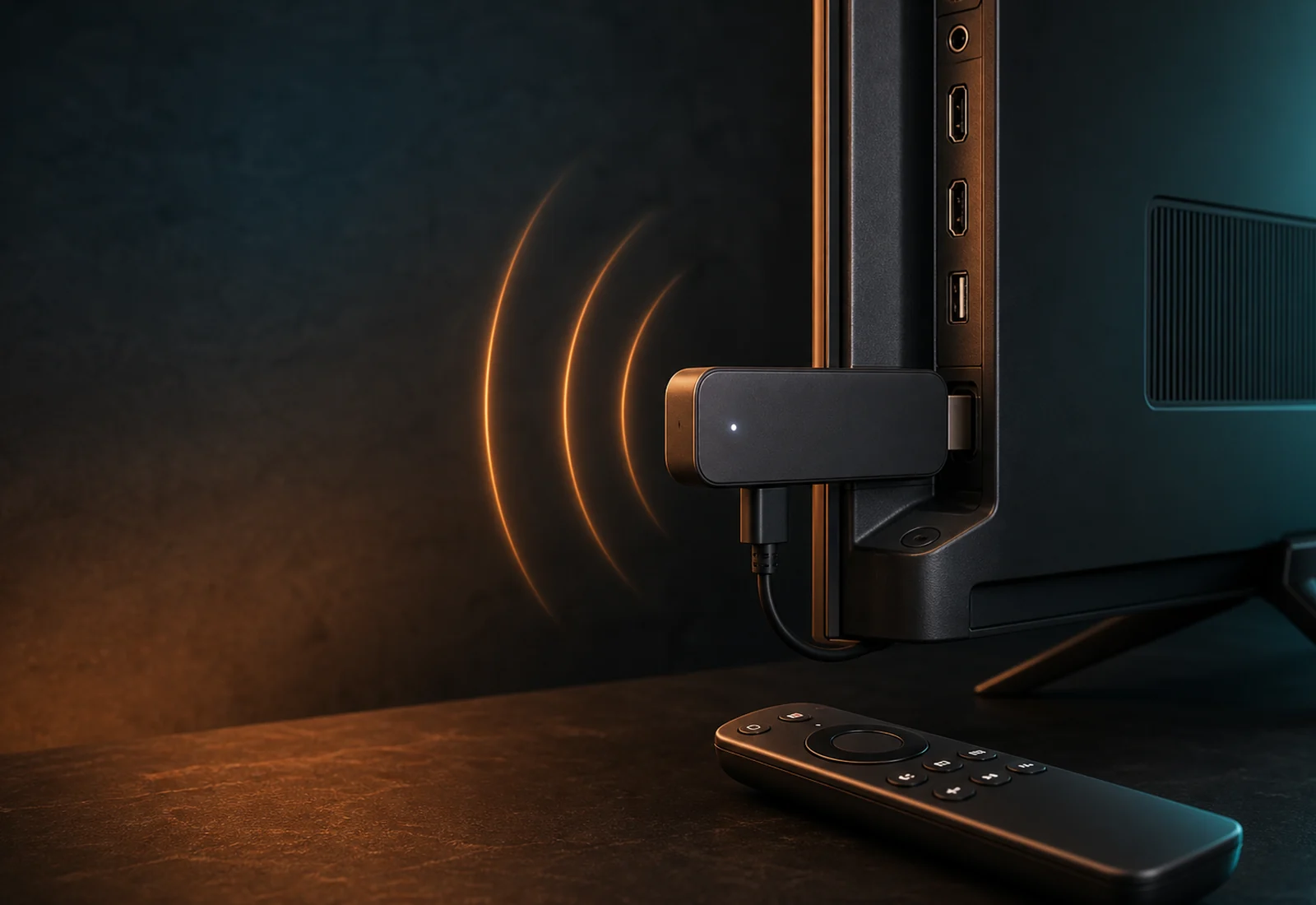
Check power, input, Fire TV updates, player source, and private login in sequence.
Test input, browsing, reopen behavior, and recovery before match day.
Compare the connection where the player actually sits, not only beside the router.
Stable power and network conditions make the software test meaningful.
Use the supplied power arrangement rather than relying on an underpowered television USB port when the device documentation recommends an adapter. Select the correct HDMI input, complete Fire TV updates, confirm date and time, and leave enough free storage for the player and its programme data.
Test the Wi-Fi signal at the television. The compact device may sit behind the screen, where the display and wall affect reception. If the model supports an Ethernet adapter, a wired comparison can help separate Wi-Fi conditions from player or source behavior.
The official Fire TV app store is the preferred route.
Search the store for a compatible player, verify the publisher, and check whether it accepts a complete M3U URL or server, username, and password. A separate player licence may be required and does not include IPTV FREE TRIAL access.
Do not enable developer settings merely because an online article suggests an unknown downloader code. IPTV FREE TRIAL does not provide modified APKs, bypass paid apps, or ask you to weaken device security for a routine setup. If a suitable player is unavailable in the store, contact support for a current safe option.

Use the remote carefully and submit the profile once.
Select the correct login type, copy the server and credentials or complete playlist URL exactly, and use a non-sensitive profile name. Check characters before saving because remote entry can introduce spaces or capitalization errors. Allow the initial category and programme data to load.
If you use the official Fire TV mobile remote for easier typing, protect the phone and clear sensitive clipboard history. Never paste the playlist into a public browser search or send a photograph showing the password.
Firestick testing should include the remote, not only a single picture.
Open one live category and observe startup, sustained playback, sound, and remote response. Browse sports, entertainment, movies, series, and other enabled trial categories; test search, favorites, and EPG where available. Then return to the home screen and reopen the player to see whether the profile loads correctly.
Run part of the trial during normal household use. Close unnecessary background apps and compare another source before diagnosing the whole service. Stay within the trial’s active-stream limit while testing a secondary device.
Start with power, storage, network, and one clean restart.
Restart the Fire TV, confirm free storage, update the operating system and official player, and test one active stream. Compare Wi-Fi conditions and another enabled category. Avoid clearing all application data unless you have the private access values available to re-enter safely.
If the problem remains, record the Fire TV model, operating-system version, player, approximate time, network type, and safe error wording. Support does not need your complete M3U URL or password in a public message.
The best living-room device is the one that supports a safe player and works reliably on your network.
Fire TV offers a compact external player and familiar store. A Smart TV may avoid another remote but can have a narrower app selection. Android TV or Google TV may offer different compatible players and device features. Review the dedicated guides rather than assuming the menus are identical.
Use the free trial on the device you intend to keep. If the result fits, compare plan duration, installable devices, and simultaneous streams before ordering.
These answers explain the current customer journey without turning variable content or playback conditions into guarantees.
Not as a default setup. Use a compatible player from the official Fire TV store. Do not use unknown downloader codes or modified apps.
Check device power, free storage, Wi-Fi at the television, household traffic, the player, and more than one enabled source before changing advanced settings.
Use only the official Fire TV remote tool, protect the phone, and clear private credentials from shared clipboard history.
Yes. The 24-hour trial lets you test the player, remote, network, navigation, and current trial categories without a paid order.
Use the official player, real television position, and normal household network for the trial.